

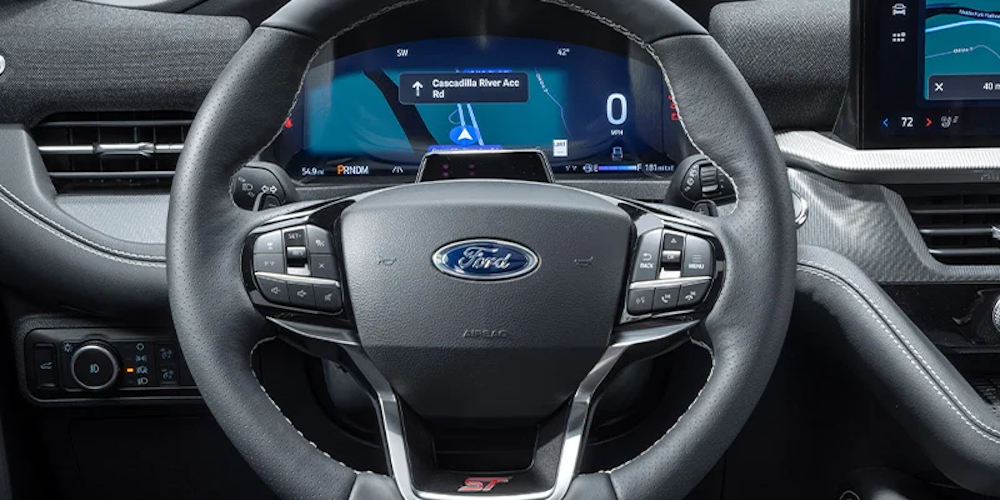
Image via Bob Maxey Ford.
The Ford Enhanced Active Park Assist system eliminates the stress and guesswork of tricky parking situations with precise and reliable guidance every time. With just the push of a button, this smart system uses cutting-edge sensors and Ford’s advanced engineering to simplify every parking experience and make your life easier.
Activating Enhanced Active Park Assist
To activate the system, simply press the button with an icon of a steering wheel next to a “P.” You’ll find this Active Park Assist button in a convenient spot on your Ford’s center console.
Parallel Parking
After you press the button, the system will prompt you to use your turn signal and will then use advanced radar technology to search that side for an available parking space. If you don’t use your turn signal, the system will default to searching for a parking spot on the passenger side. Once the system begins its search, keep your speed at or below 20 MPH and stay within three feet of the other parked vehicles.
Enhanced Active Park Assist uses both audio and visual cues to alert you when a spot has been found. When this happens, press the brakes, let go of the wheel, shift into reverse, and follow the helpful step-by-step instructions on your Ford’s SYNC screen to complete the parking maneuver.
Perpendicular Parking
To activate this feature, either press the Active Park Assist button two times or use the SYNC screen’s soft-touch buttons to toggle to the perpendicular parking section. Then, simply follow the same steps: activate your turn signal in the desired direction and keep your speed at or below 20 MPH to allow the system to search for a spot on the corresponding side. Once the system finds a suitable space, the on-screen instructions will guide you through the necessary maneuvers.
Exiting a Parking Space
By selecting “Parallel Park Exit” after pressing the Active Park Assist button, your Ford will provide you with step-by-step instructions for exiting the spot. Start by using your turn signal to indicate the direction you need to exit, press the brakes, release the parking brake, let go of the wheel, and shift into the gear recommended by the SYNC screen.
Pausing and Deactivating Enhanced Active Park Assist
To pause, press and hold the Active Park Assist button. To cancel, you can take control of the steering wheel, drive above 22 MPH while the system is searching for a space, or switch off your Ford’s traction control system. Certain conditions, such as opening the passenger or rear doors or engaging/deactivating the anti-lock brake system, can cause the program to automatically pause or cancel.
To experience this incredible technology firsthand and have all your questions answered, reach out to us today here at Bob Maxey Ford in Detroit, MI.
Connect with us


- June 2026
- May 2026
- April 2026
- March 2026
- January 2026
- December 2025
- November 2025
- October 2025
- September 2025
- August 2025
- July 2025
- June 2025
- May 2025
- April 2025
- March 2025
- February 2025
- January 2025
- December 2024
- November 2024
- October 2024
- September 2024
- August 2024
- July 2024
- June 2024
- May 2024
- April 2024
- March 2024
- February 2024
- January 2024
- December 2023
- November 2023
- October 2023
- September 2023
- August 2023
- July 2023
- June 2023
- May 2023
- April 2023
- March 2023
- February 2023
- January 2023
- December 2022
- November 2022
- October 2022
- September 2022
- August 2022
- July 2022
- June 2022
- May 2022
- April 2022
- March 2022
- February 2022
Archives
- 2025 Ford F-250 Super Duty
- 2025 Ford Super Duty
- 2026 Ford Escape
- 2026 Ford Mustang
- Bob Maxey Ford
- Bob Maxey Ford (Detroit) Service
- Bob Maxey Ford in Detroit
- Detroit Ford Dealer
- Detroit Ford Service
- engine
- Food Places in Detroit
- Ford
- Ford Inventory
- Mustang
- Offroad
- Pickups
- Safety Features
- Service
- Service in Detroit, MI
- Summer Fun
- Technology
- Things to Do in Detroit
- Truck
- Uncategorized